How to Show Icegram Engage Message or Campaign Using Shortcode
Display targeted Icegram Engage campaigns and messages inside specific post or page content using shortcodes.
Icegram Engage provides shortcodes for every campaign and individual message, allowing you to embed them directly into any WordPress post, page, widget, or page builder section.
Whenever a visitor visits a page containing that shortcode, the designated message or campaign will render according to its rules.
How to Get and Use the Shortcode
- In your WordPress admin, go to Icegram Engage > Campaigns and edit an existing campaign or create a new campaign.
- Configure your message content, design, and targeting rules.
- Scroll down to the Display Rules section.
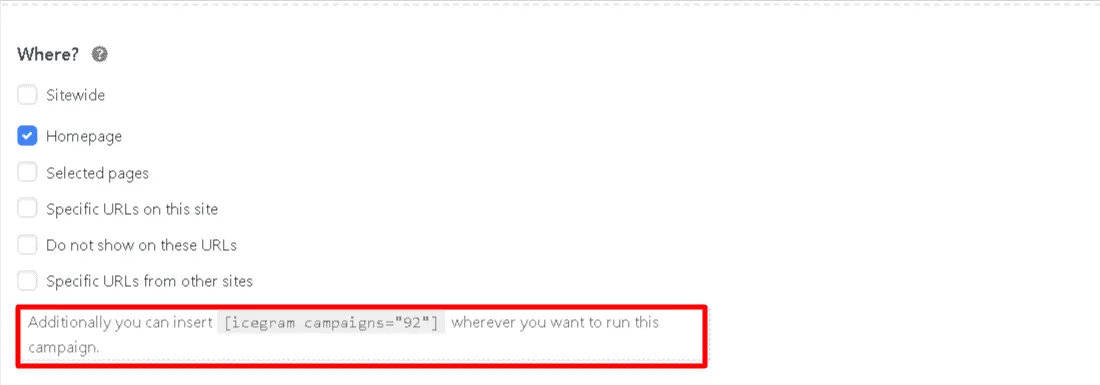
- Under the Where? settings, locate the shortcode box indicating:
[icegram campaigns="xx"](wherexxis your campaign ID). - Copy the shortcode
[icegram campaigns="xx"]and paste it into any post, page, block, or template where you want the campaign to display.